

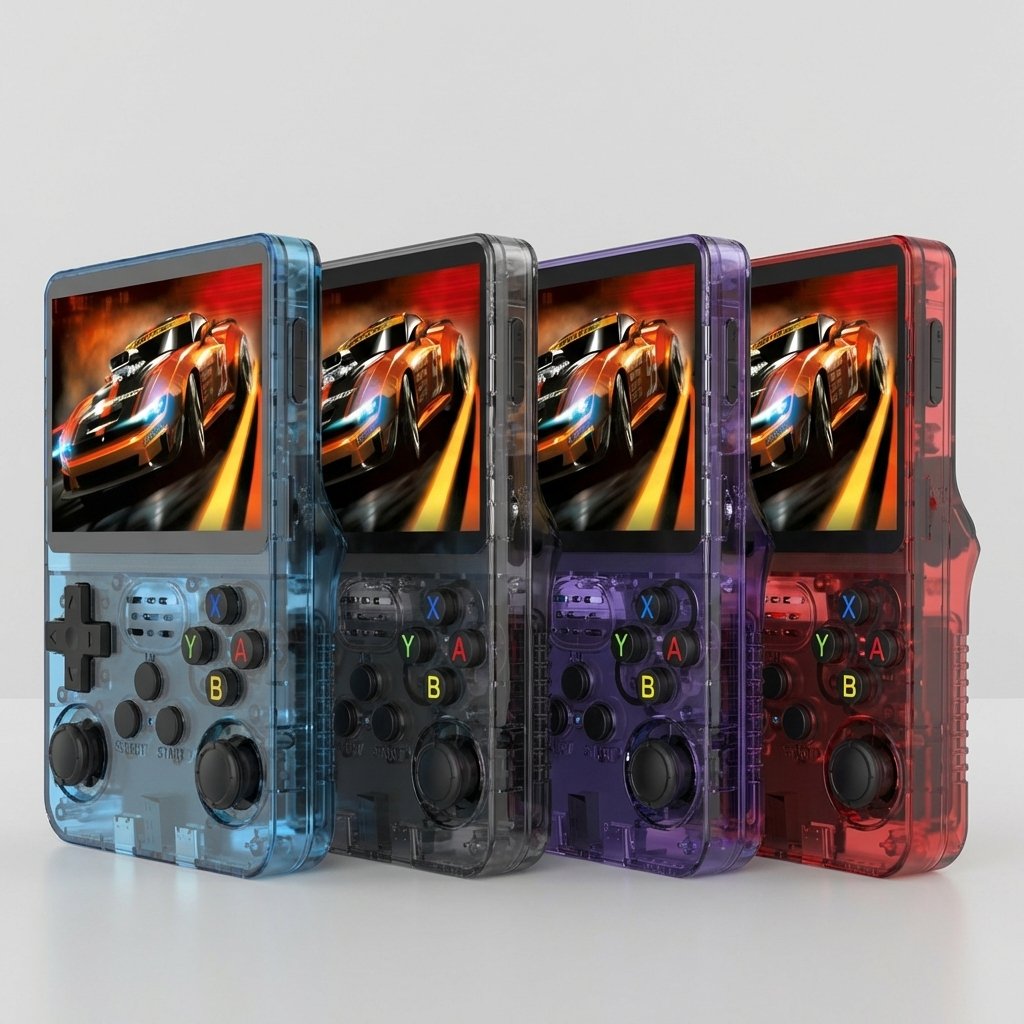

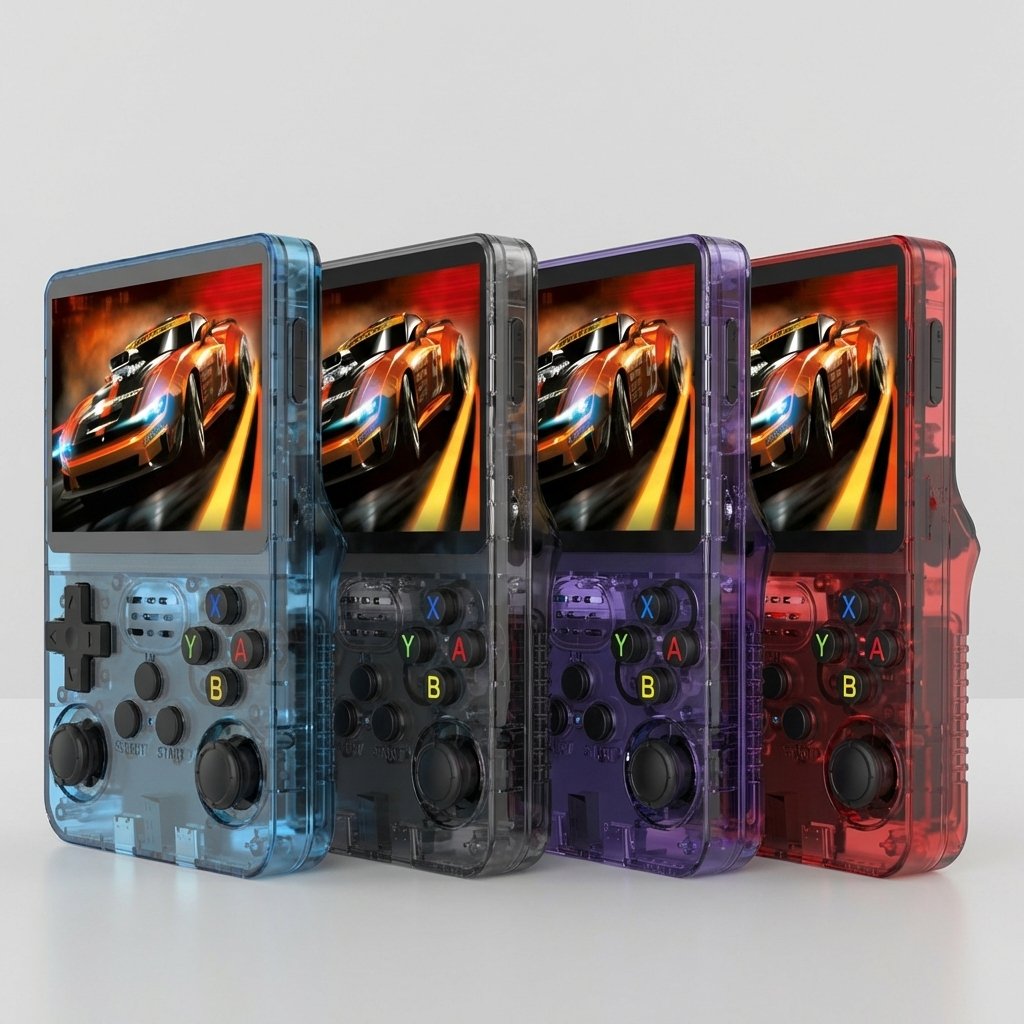
Super Retro Handheld Game Console
Relive the Classics — 18,000+ Games in Your Pocket
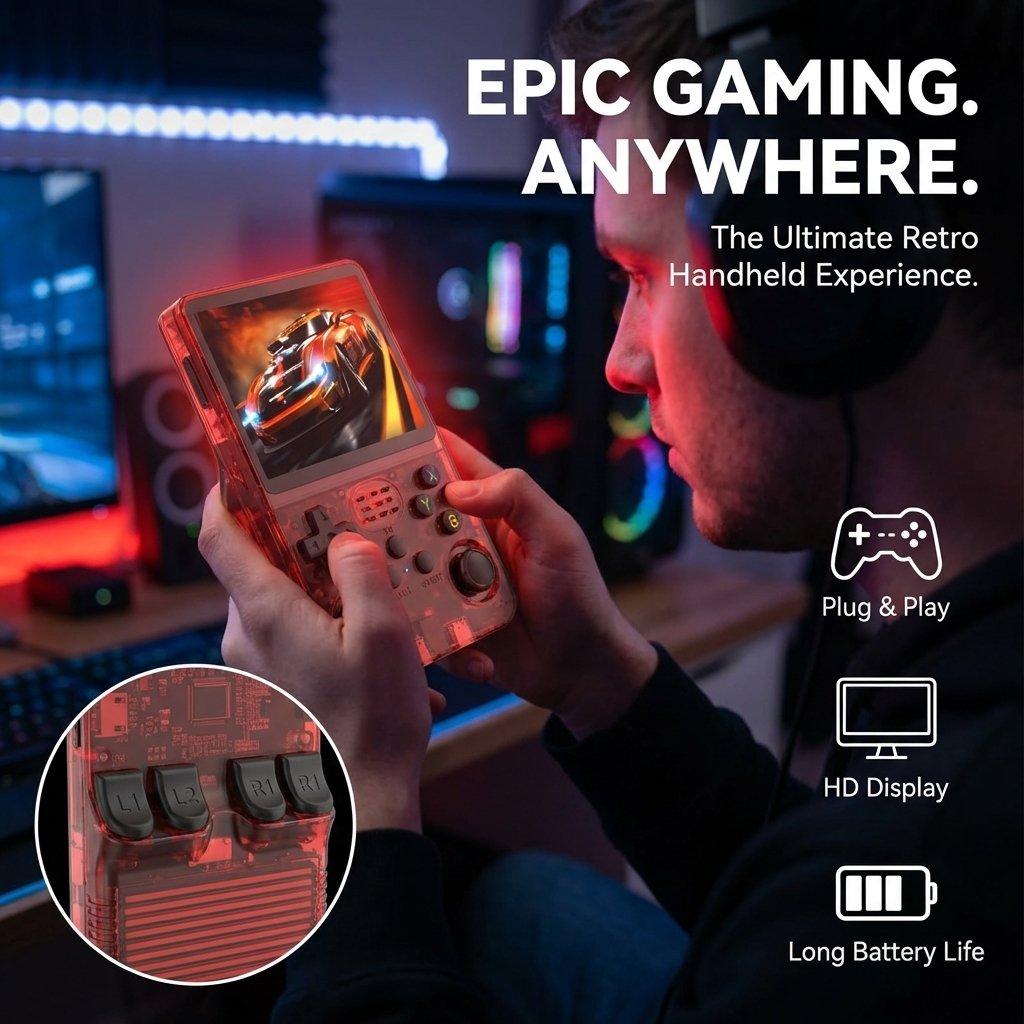
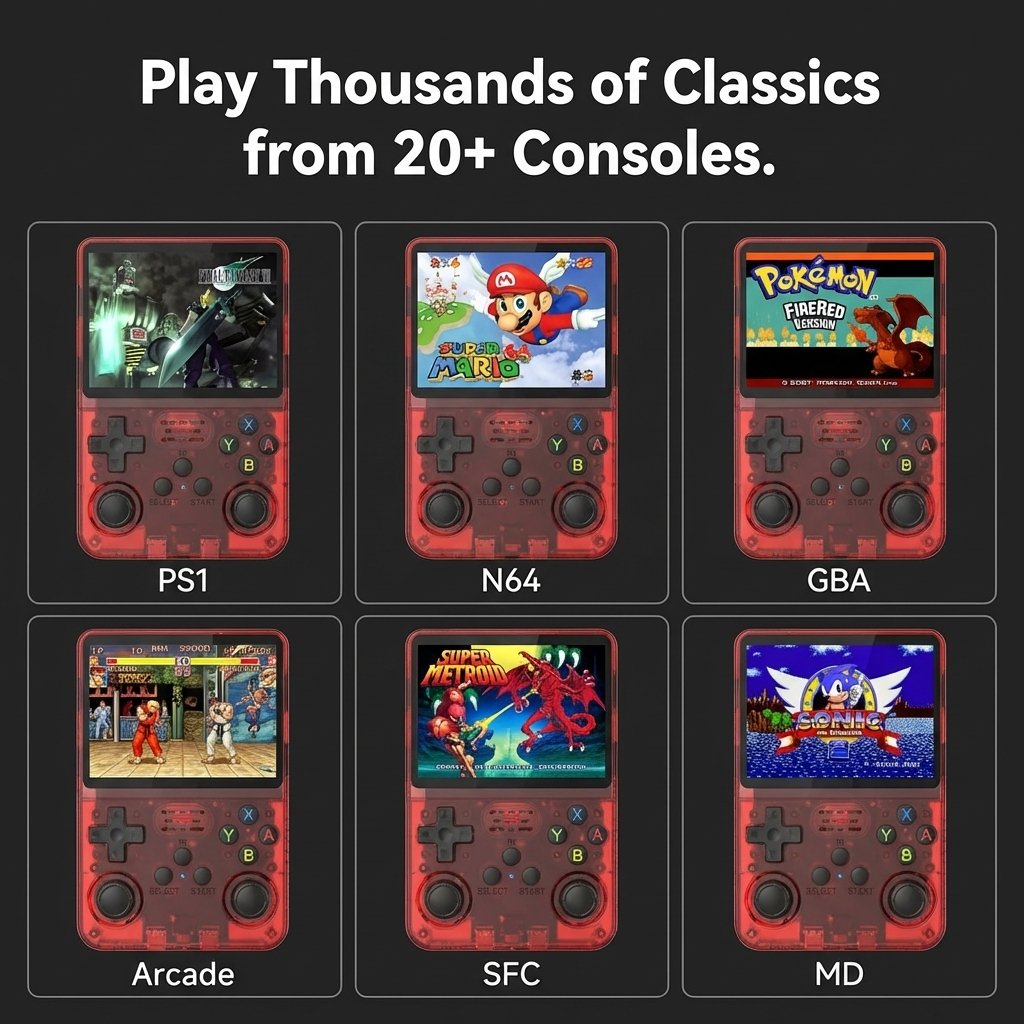
Remember the days of sitting in front of the TV, controller in hand, grinding through your favorite classics? The Super Retro Handheld Game Console brings those memories back — anywhere, anytime. Featuring a stunning 4-inch 720×720 IPS display, an open-source Linux system, and over 18,000 pre-installed games spanning FC, GBA, PS1, N64, and beyond, this is the most complete retro gaming experience at its price point.
Powerful Features That Make Gaming Better
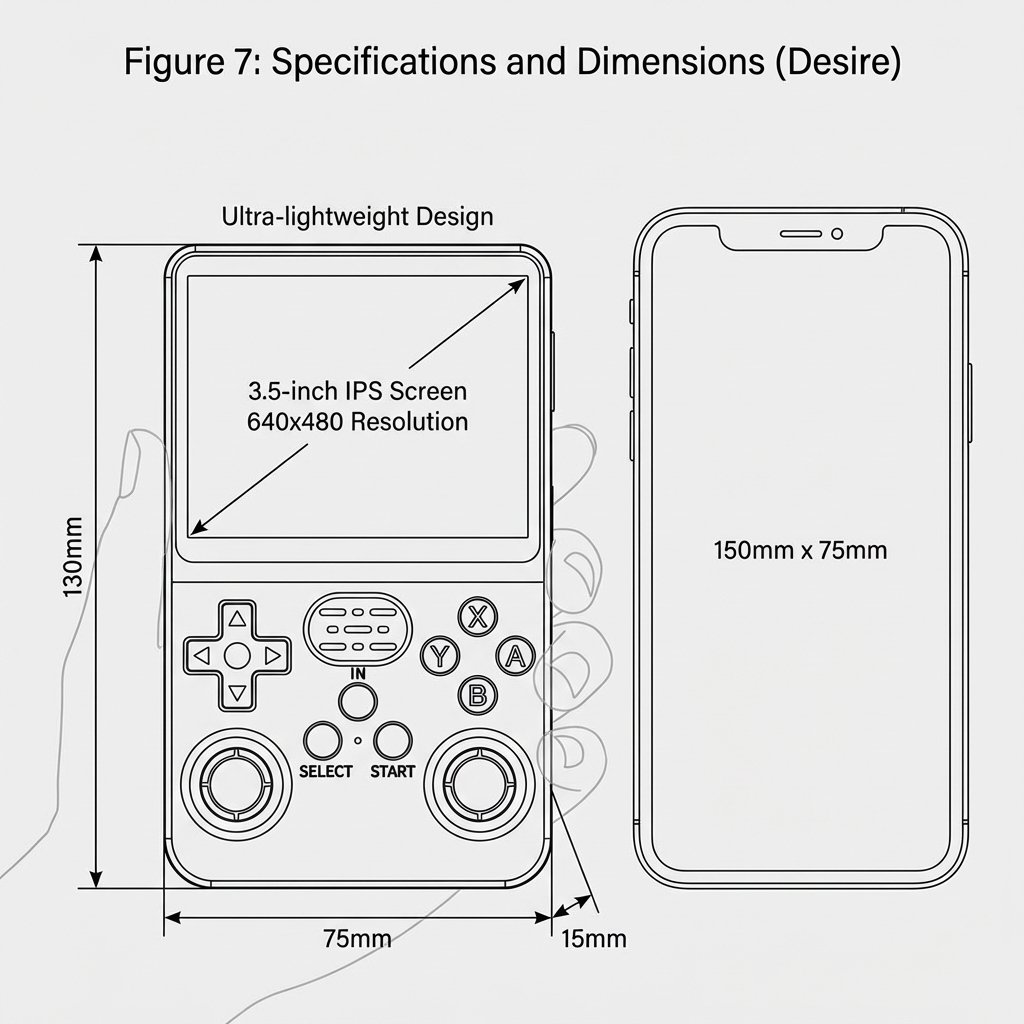
The 1:1 aspect ratio screen perfectly preserves the original proportions of Game Boy, NES, and SNES titles — no stretching, no distortion. Fully laminated IPS panel delivers vivid colors and wide viewing angles at 254 PPI.
- 254 PPI pixel density
- 1:1 aspect ratio — zero stretching
- Fully laminated IPS panel
- Wide viewing angles
18,000+ Games Pre-Installed — Play Instantly
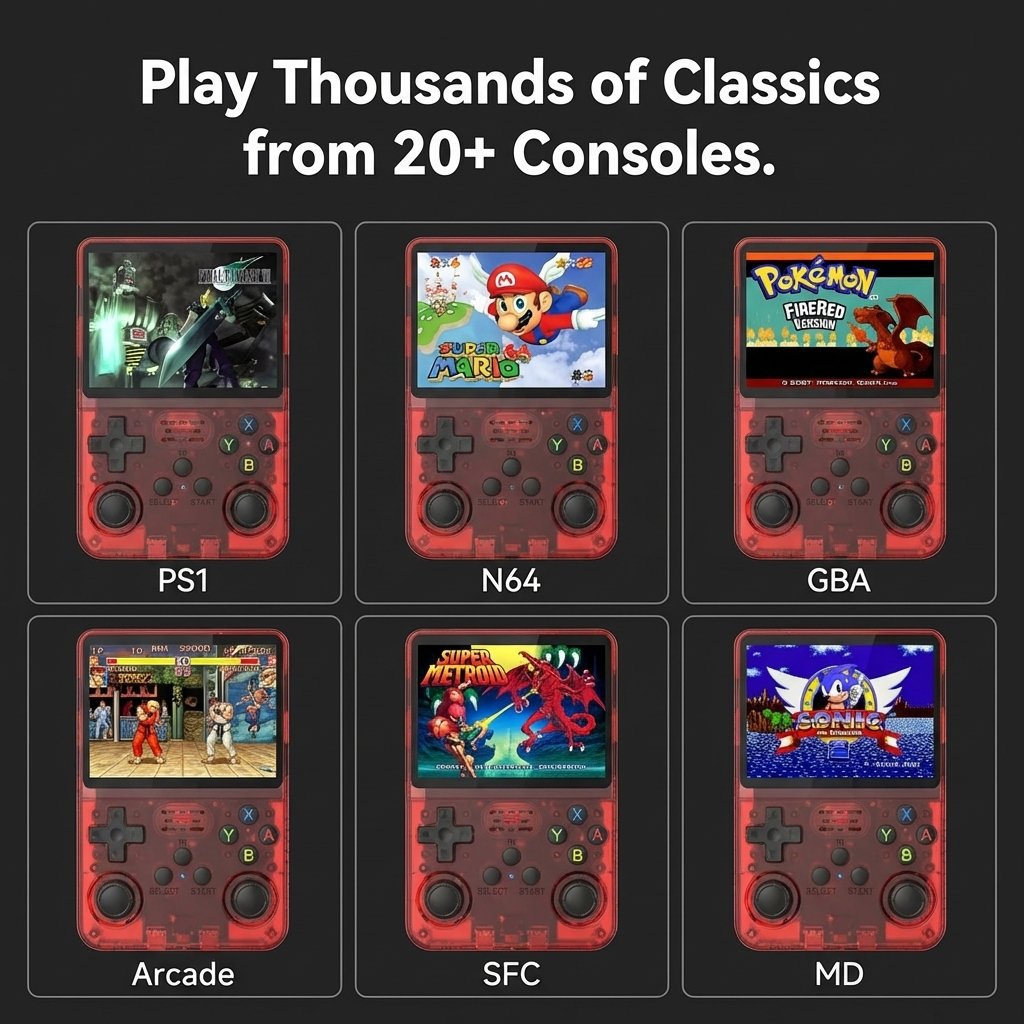
64GB of built-in storage comes loaded with over 18,000 titles across 30+ platforms: FC, GBA, GBC, SNES, MD, PS1, N64, NDS, and more. Power on and play — zero setup required.
- 30+ emulators included
- FC / GBA / SNES / PS1 / N64 and more
- Zero setup — plug and play
- Expandable via MicroSD card
RK3326 Quad-Core CPU — Smooth & Responsive
Powered by a 1.5GHz 64-bit RK3326 CPU (ARM Cortex-A35 quad-core) paired with a Mali-G31 MP2 GPU. Handles 2D titles flawlessly and runs select 3D games (PS1, N64) with solid performance.
- 1.5GHz ARM Cortex-A35 quad-core
- Mali-G31 MP2 GPU
- 1GB DDR3 RAM
- Open source Linux — fully customizable
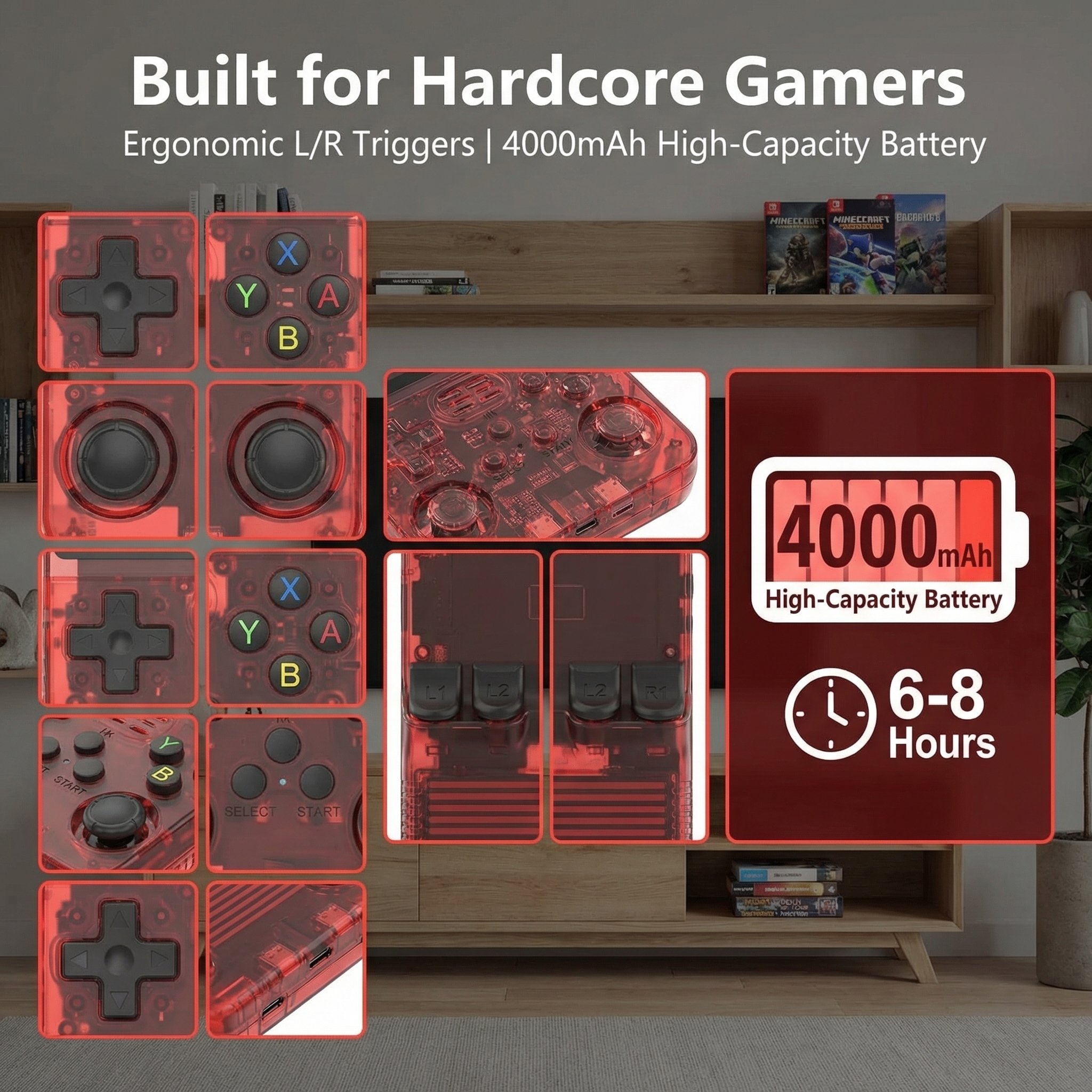
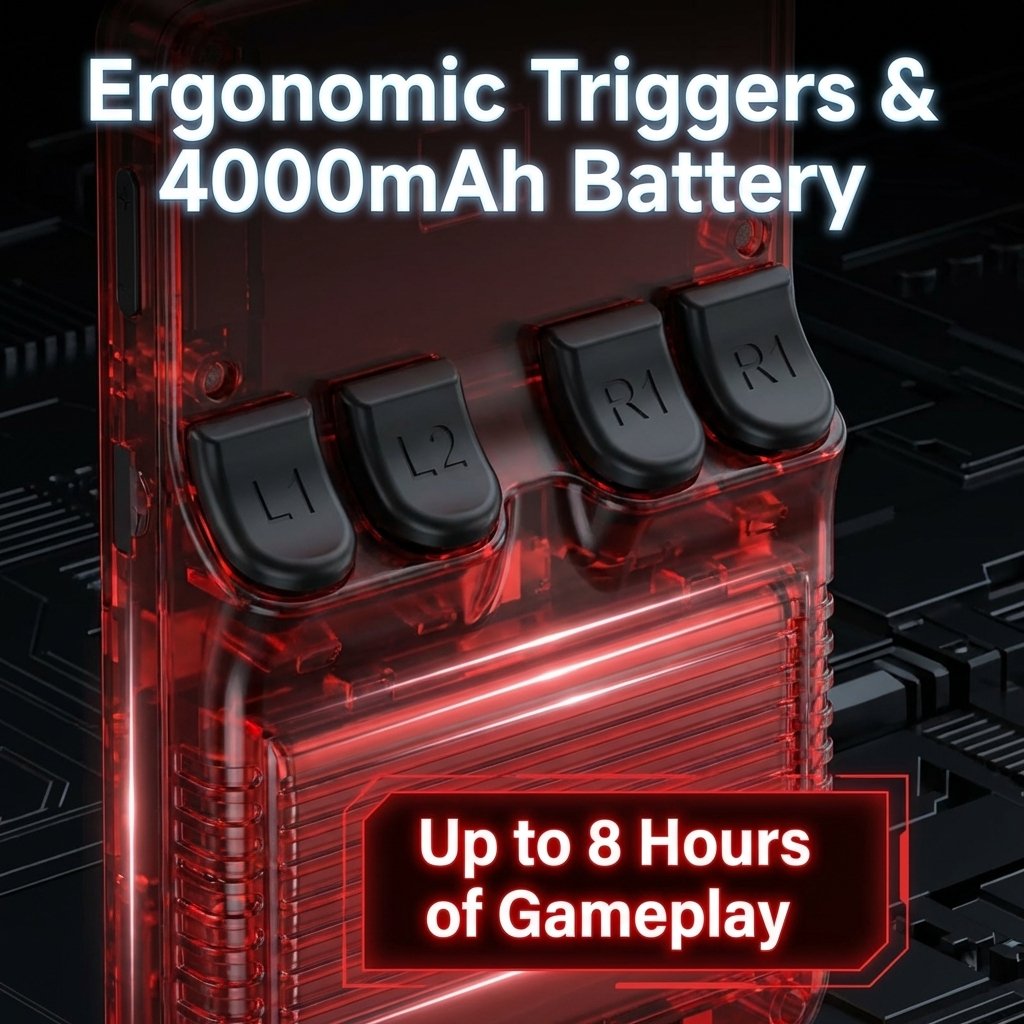
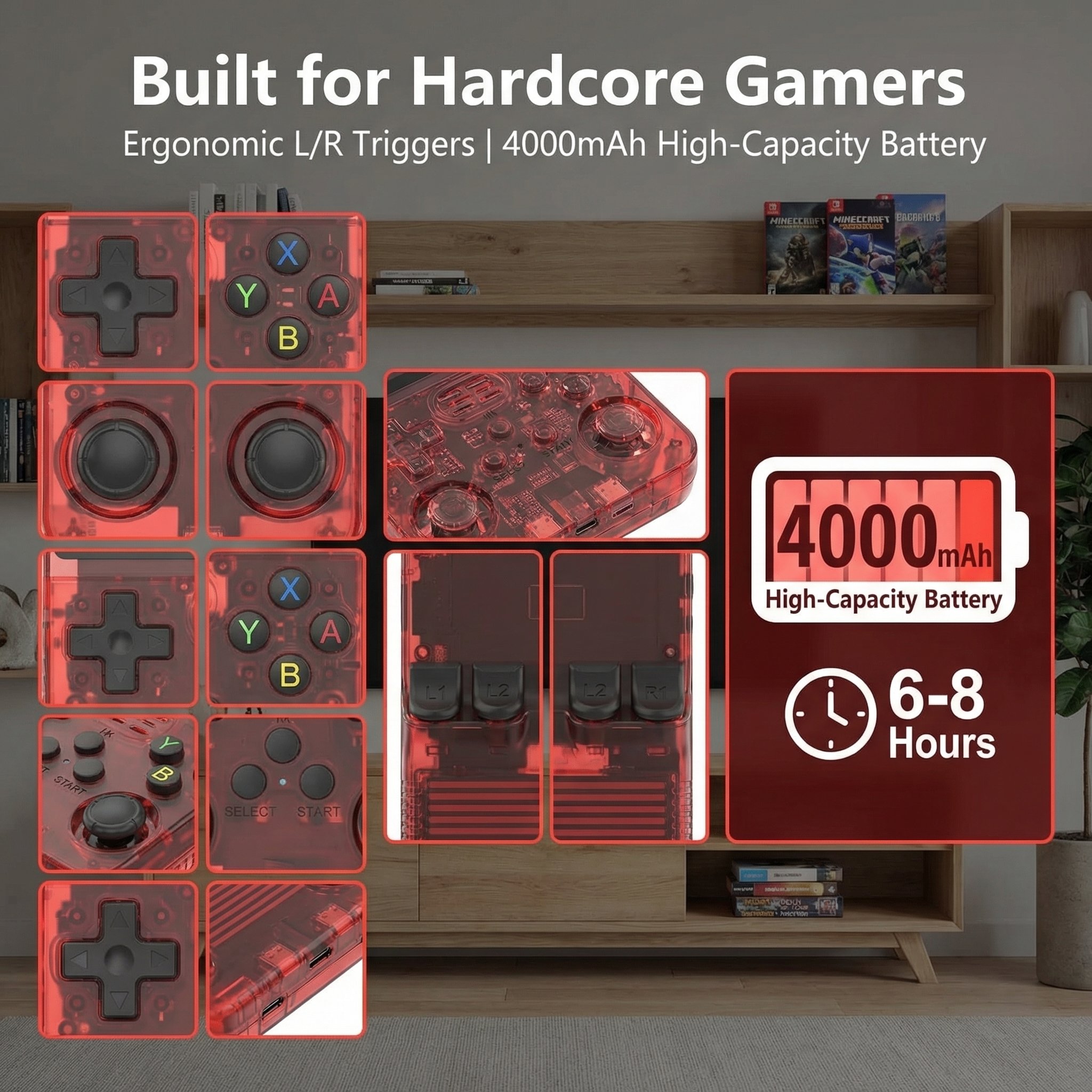
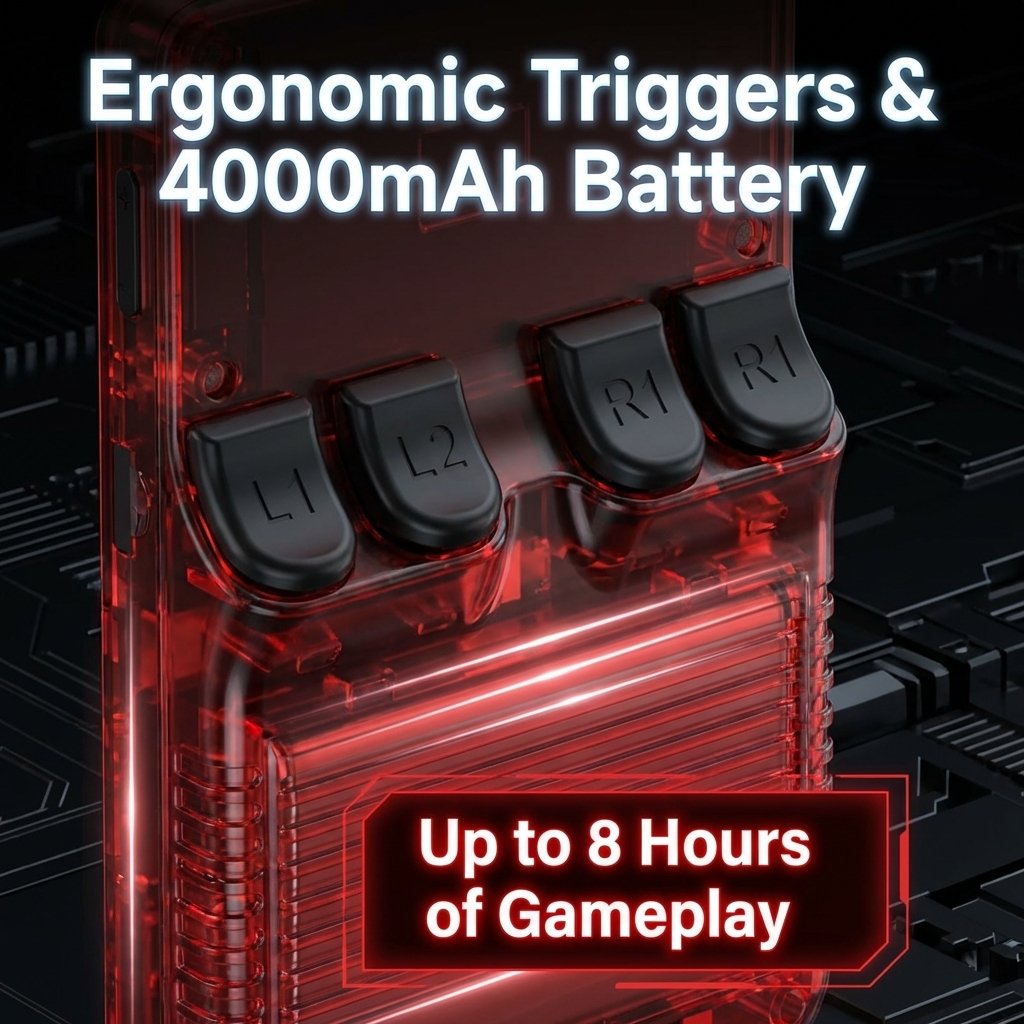
4000mAh Battery — Up to 6 Hours of Play
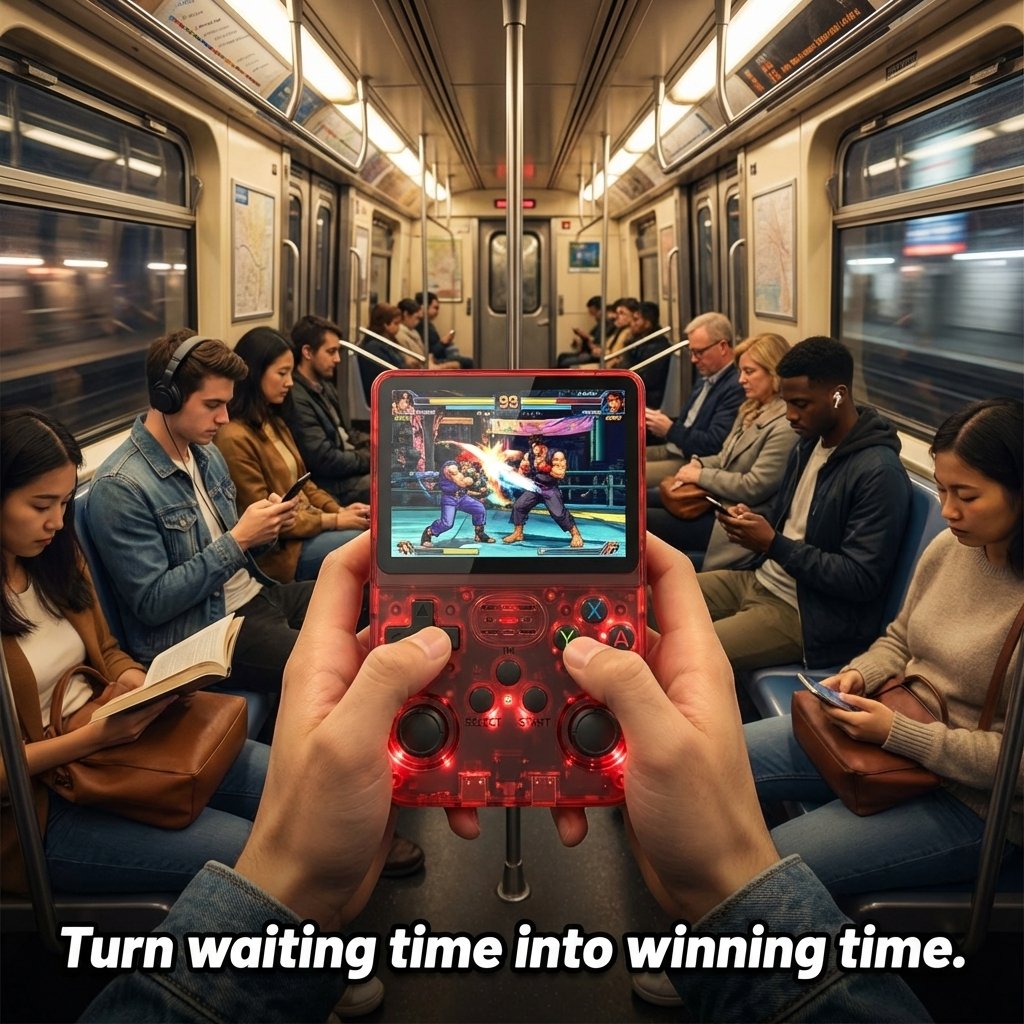
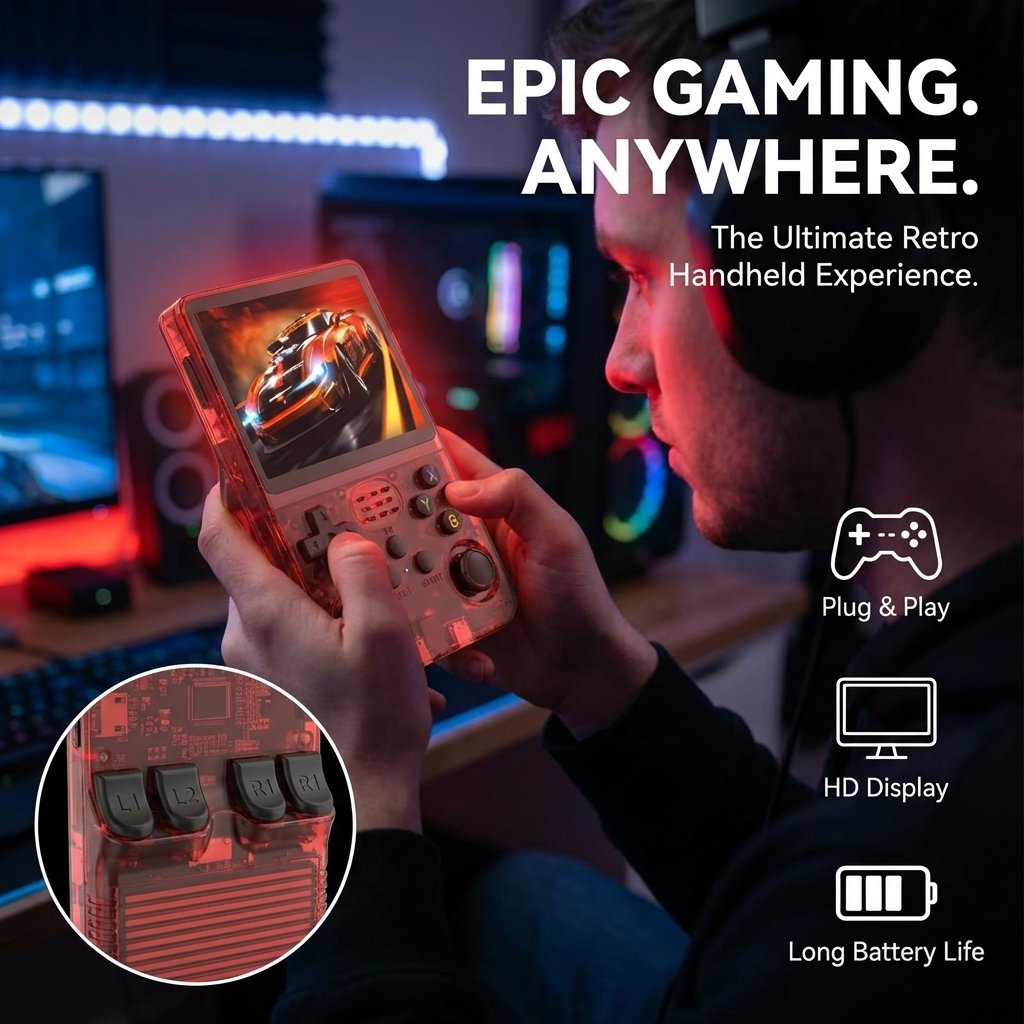
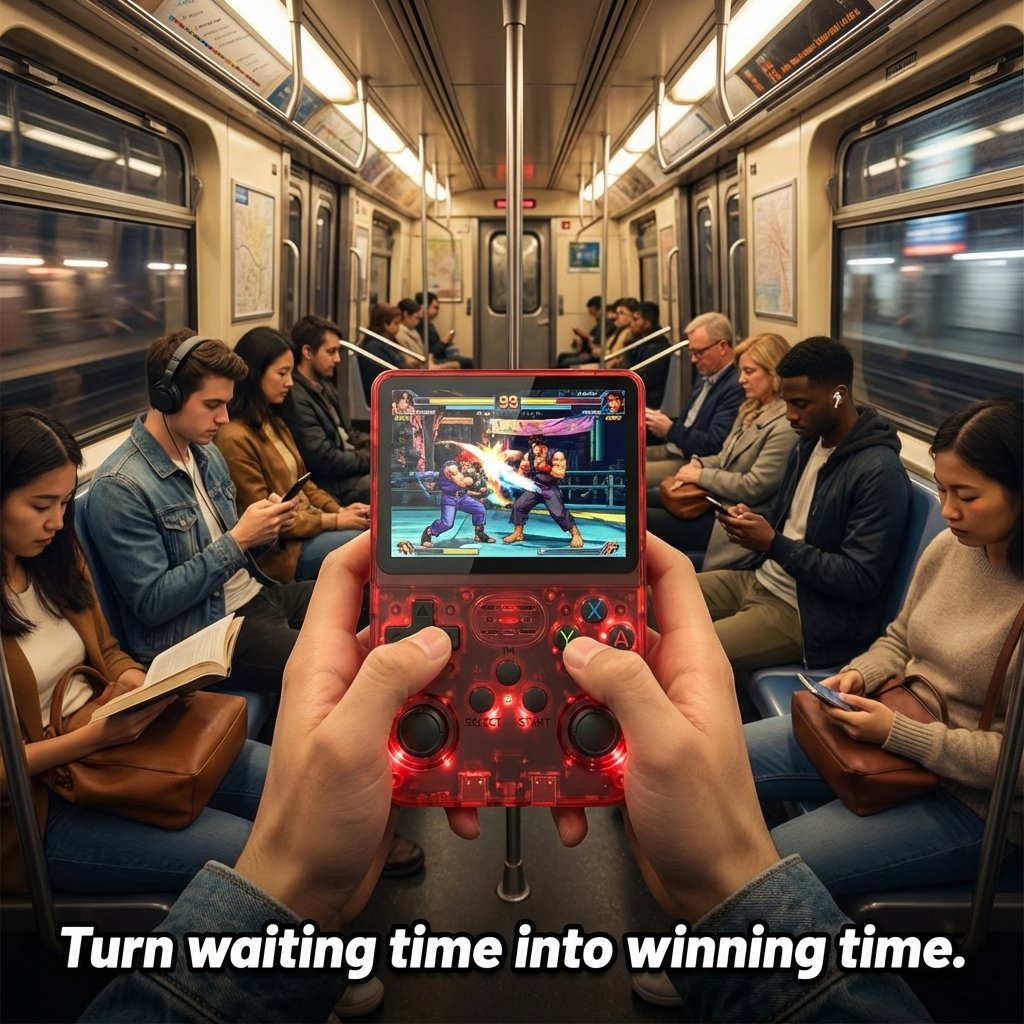
The high-capacity battery keeps you gaming for approximately 6 hours on a single charge. USB Type-C charging means you can top up with any modern cable. Perfect for commutes and travel.
- ~6 hours battery life
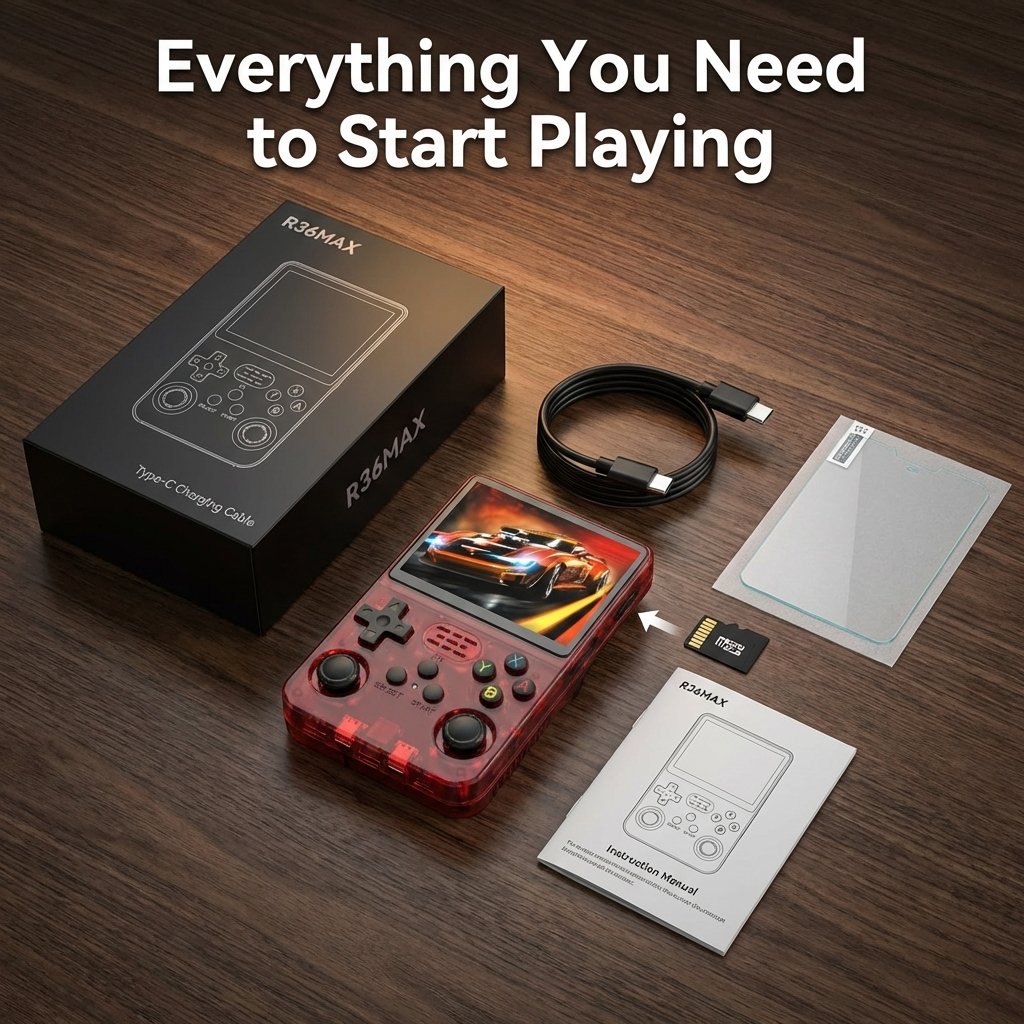
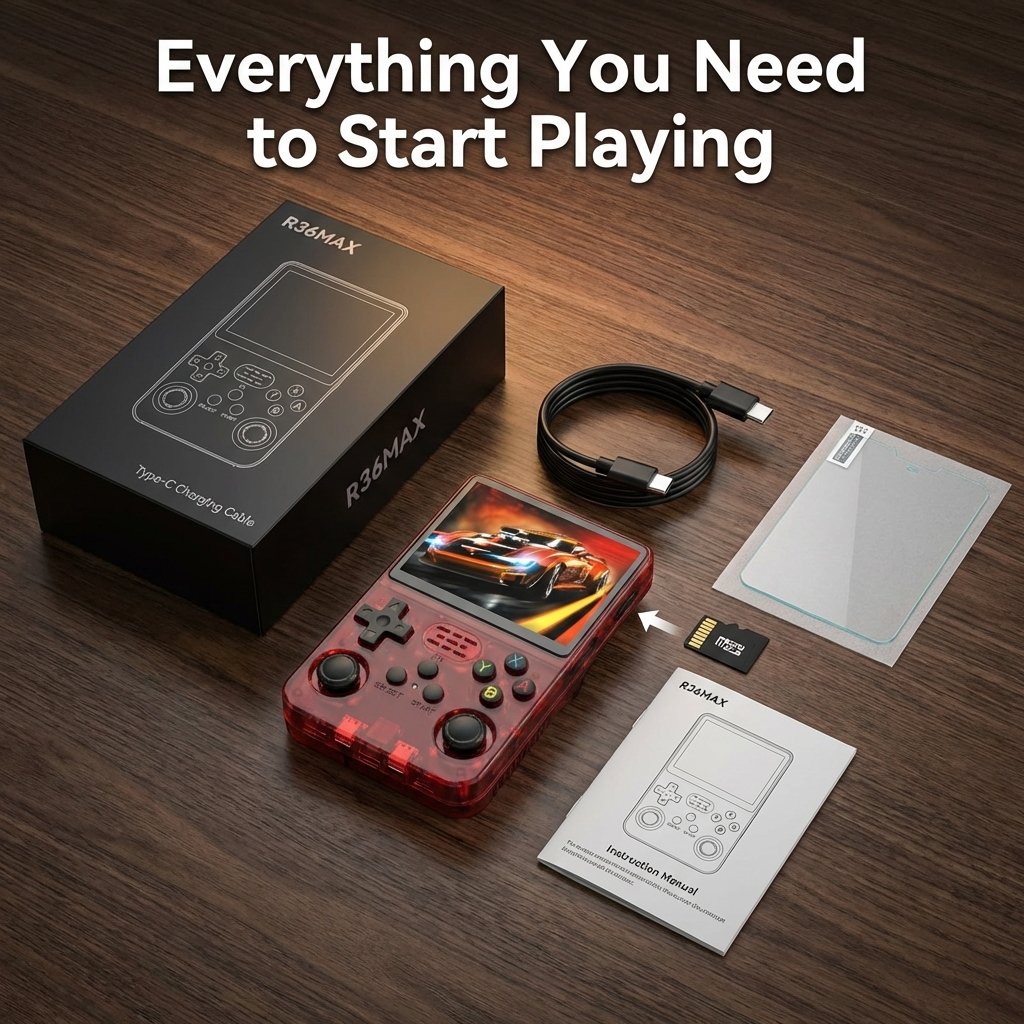
- USB Type-C charging
- Front-facing 8W speaker
- 3.5mm headphone jack
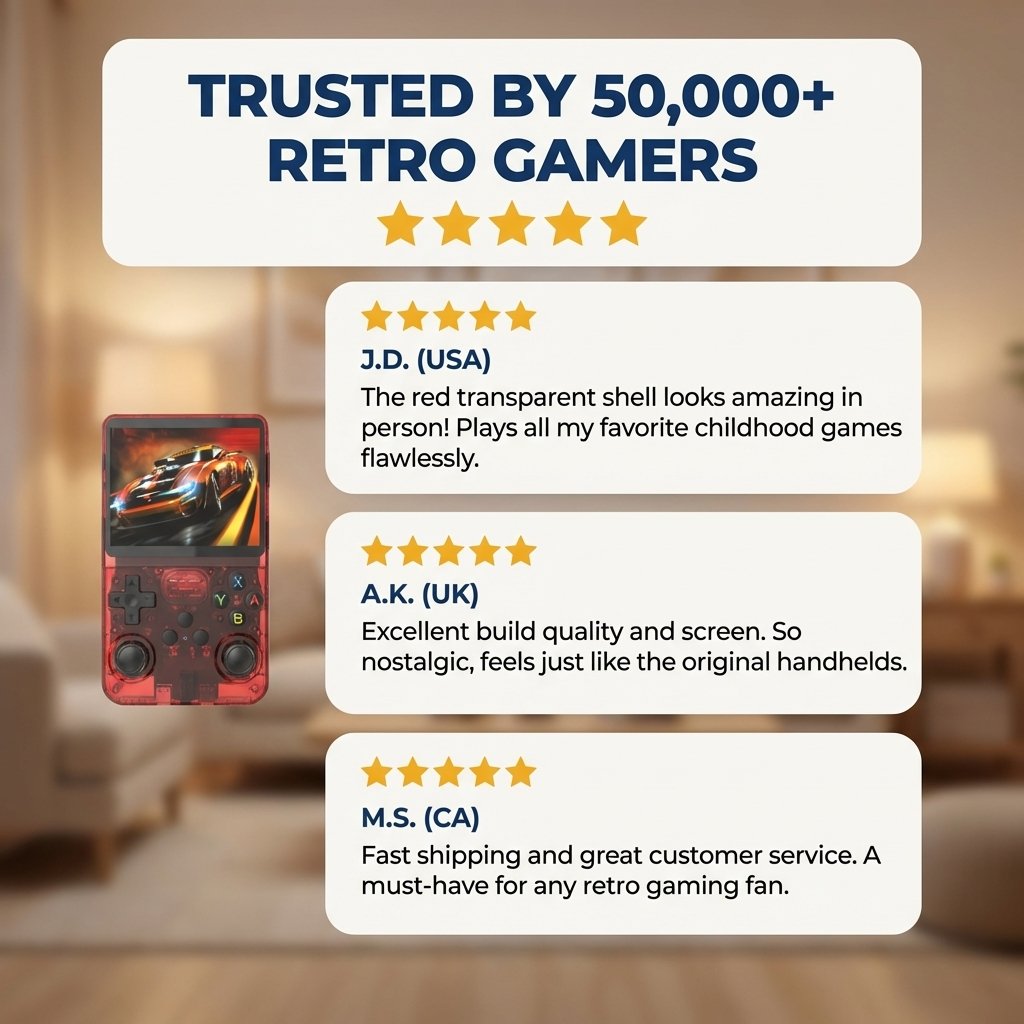
What Customers Are Saying
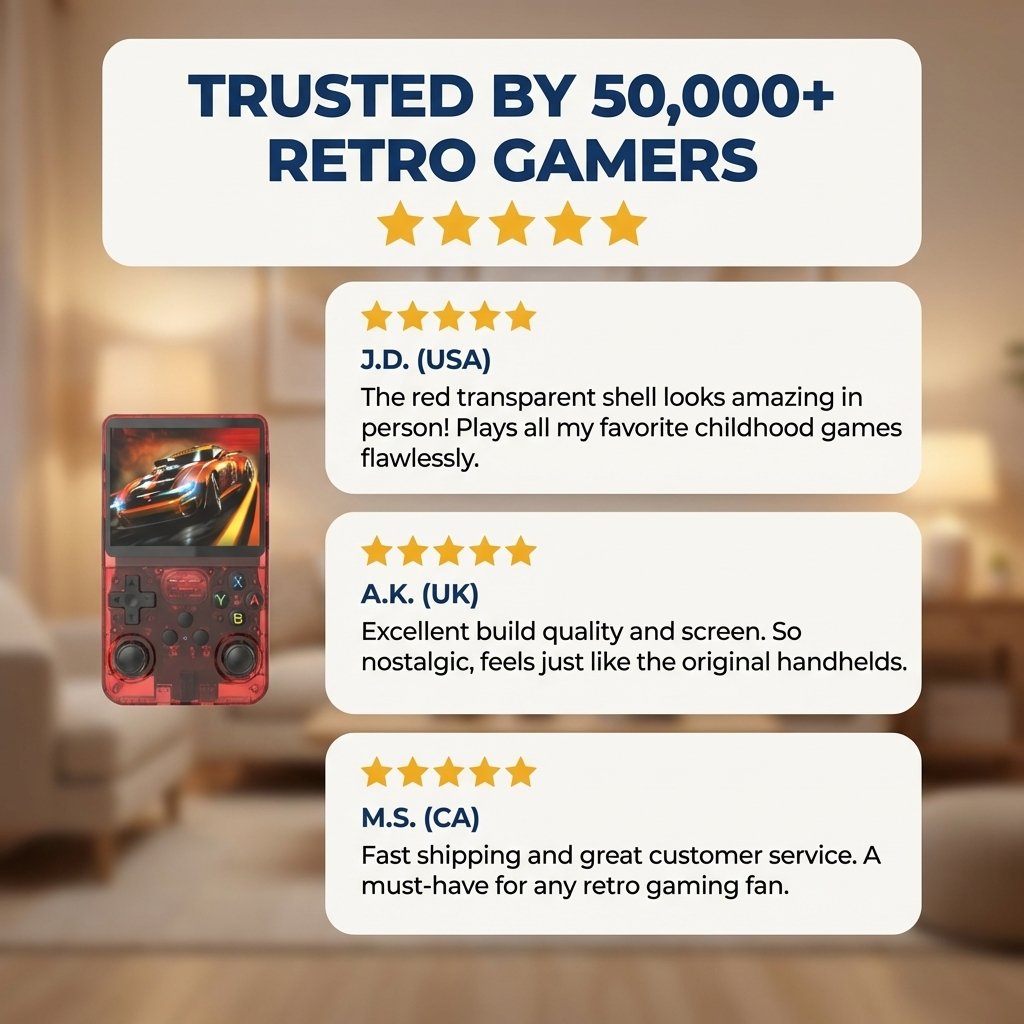
Michael T.
Texas, US · Feb 12, 2025
"The screen is genuinely impressive — the 1:1 ratio is perfect for GBA games, no stretching at all. Battery lasted nearly 6 hours in my test. Highly recommend for anyone who loves retro gaming."
Verified Purchase
Sarah K.
California, US · Jan 28, 2025
"Bought this as a birthday gift for my son and he absolutely loves it. So many games pre-loaded — Mario, Contra, Pokémon, all there."
Verified Purchase
RetroGamer_88
Reddit · Mar 5, 2025
"After flashing ArkOS the experience is night and day — smooth UI, much better game compatibility. At this price point it's absolutely the best value handheld out there."
Verified Purchase
James W.
New York, US · Feb 20, 2025
"Feels better in hand than I expected. The curved back grip is comfortable. PS1 runs great, GBA and SNES are flawless. Worth every penny."
Verified Purchase
Perfect for Every Gamer
Safe, fun, educational classics
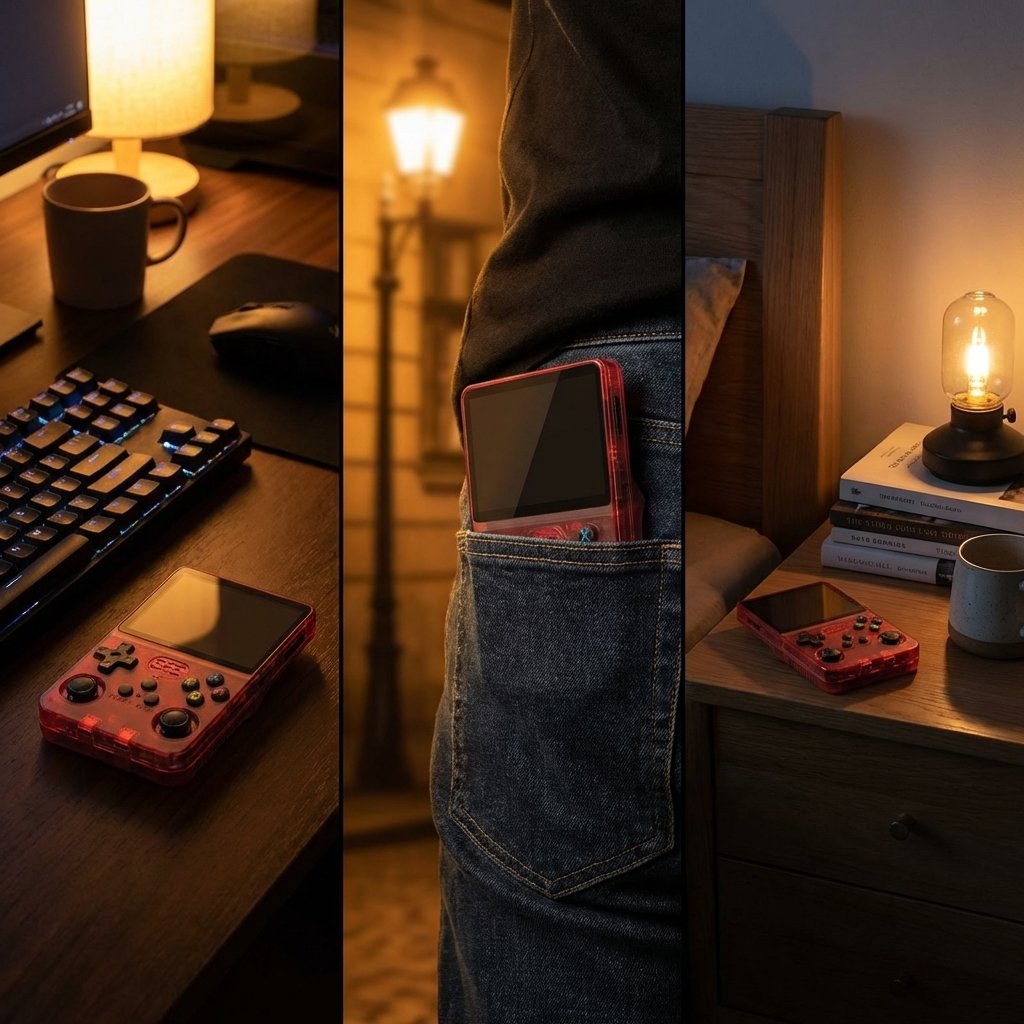
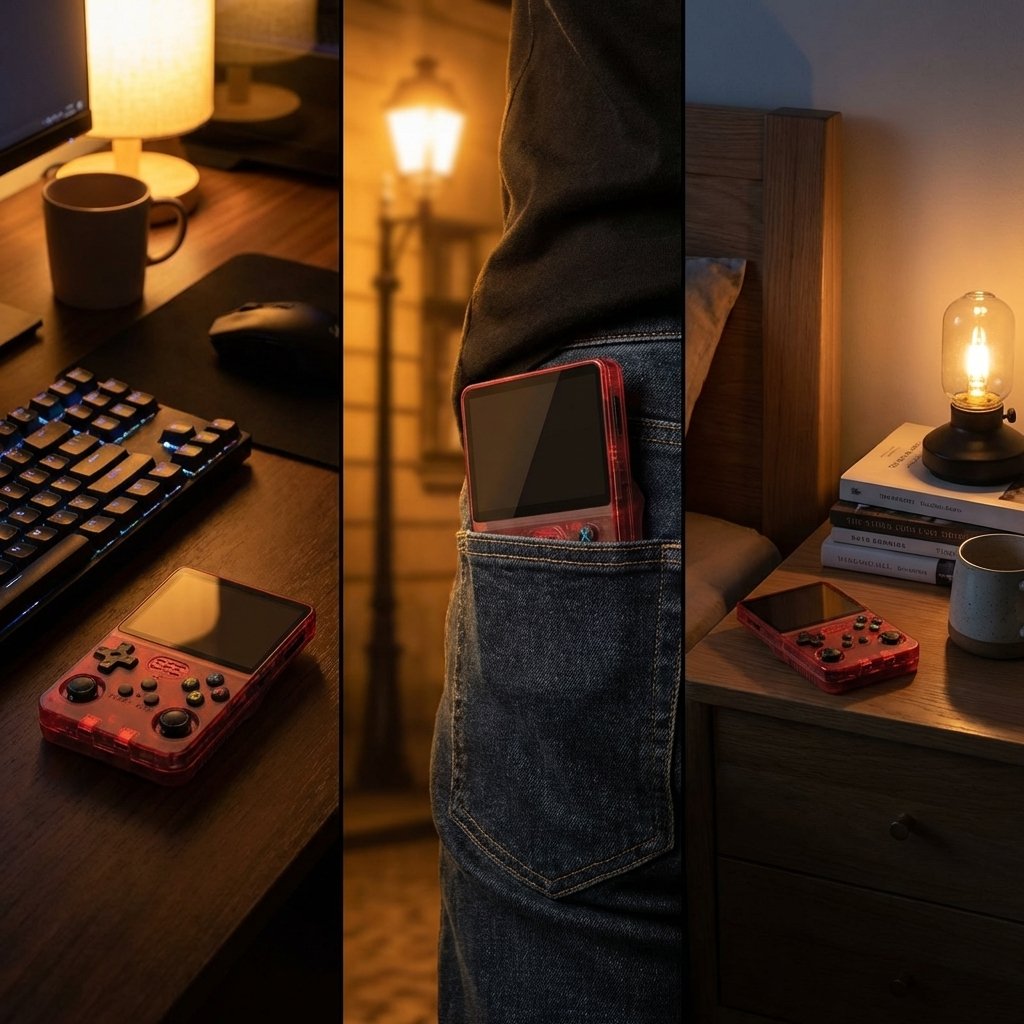
6-hour battery, pocket-sized
30+ platforms, 18K+ games
Perfect birthday or holiday gift
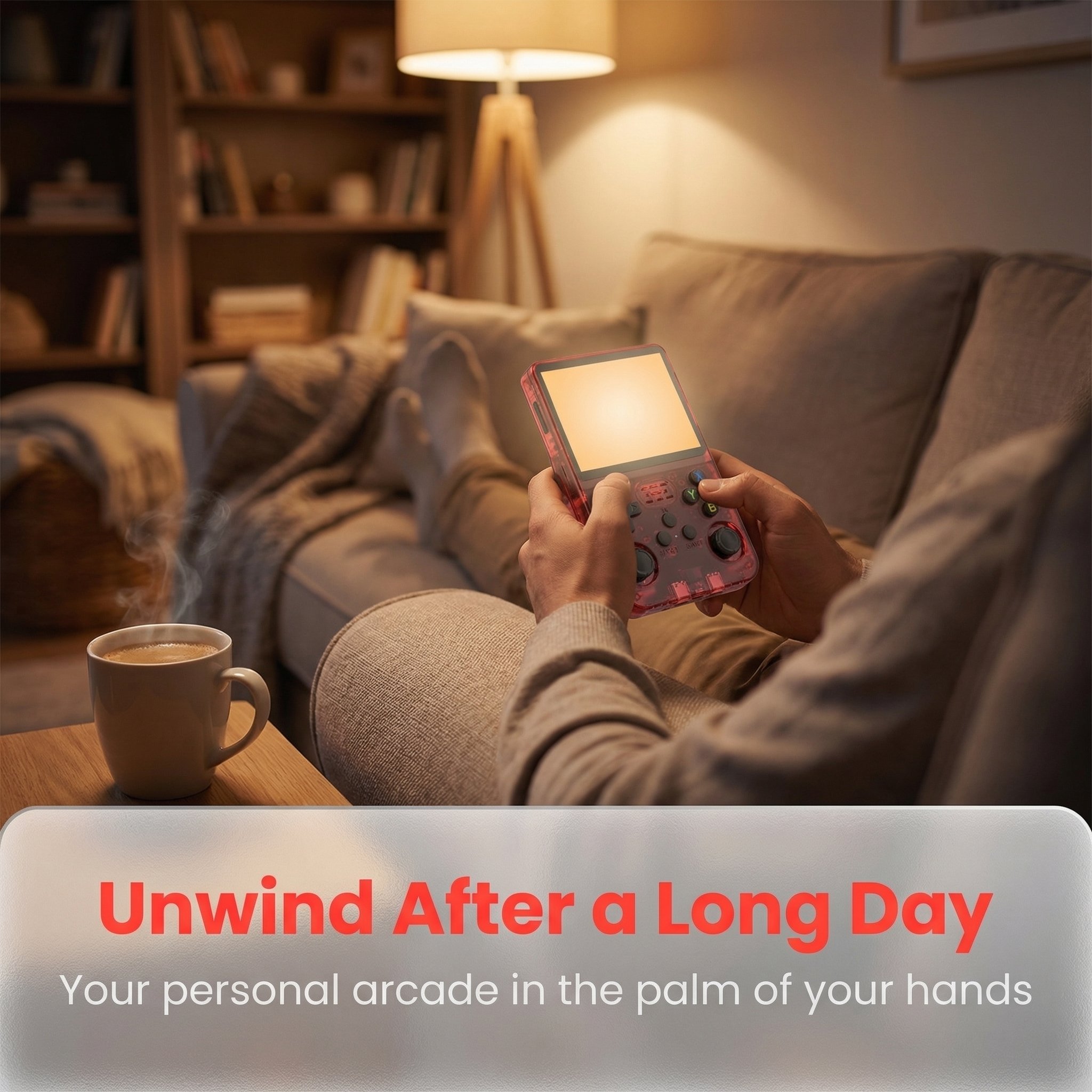
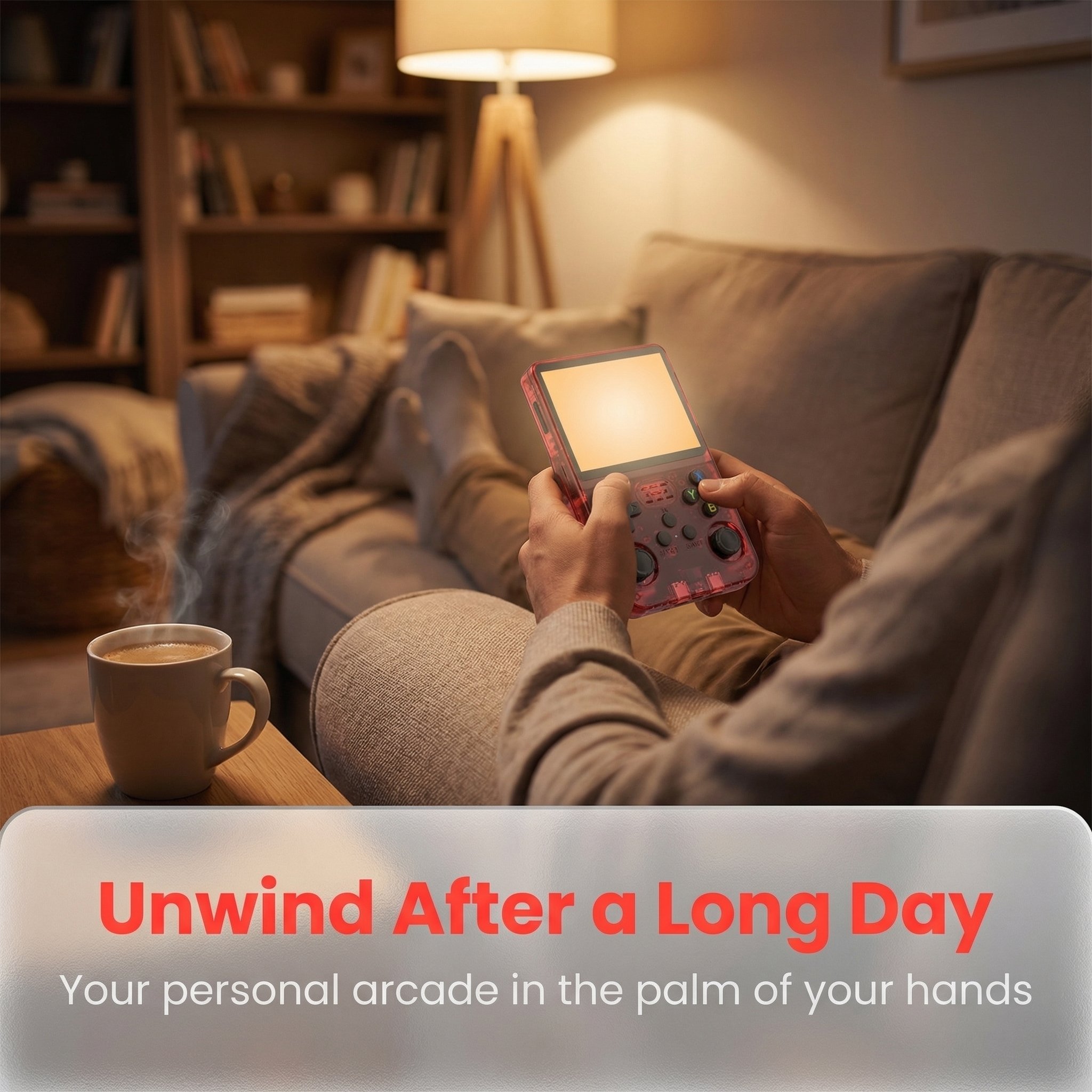
Couch-friendly, no TV needed
Open source, fully customizable

How to Use
1.Power On
Hold the power button for 2 seconds. The game library loads automatically in ~15 seconds.
2.Browse & Launch
Use the D-pad to browse games, press A to launch, press B to go back to the menu.
3.Save Anytime
Press SELECT+START in-game to open the emulator menu for save states and display settings.
4.Add More Games
Insert a MicroSD card into the TF2 slot and copy ROM files into the corresponding emulator folder.
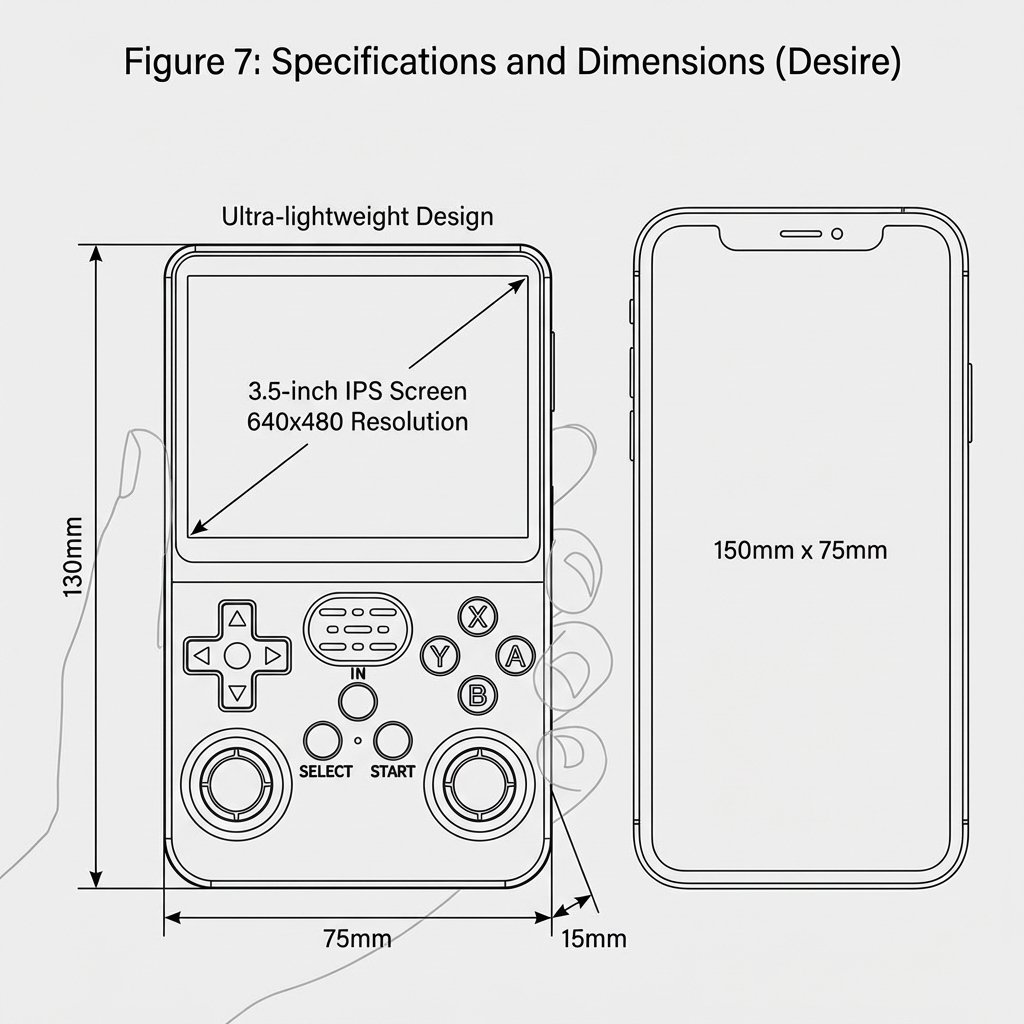
Product Specifications
Frequently Asked Questions (FAQ)
The device itself is fully legal to purchase. Pre-installed game content is configured by the manufacturer — please review your local regulations before buying.
Yes. Insert a MicroSD card into the TF2 slot and place ROM files in the corresponding emulator folder. The system will detect them automatically on next boot.
Some users report the left stick feeling loose out of the box. This can be resolved by adjusting the Dead Zone setting in the emulator menu.
Yes. ArkOS and ROCKNIX are both supported and highly recommended for improved game compatibility and a better overall experience.